PREVIEW
A different brow,
a different impression.
Explore a softer, more natural-looking finish
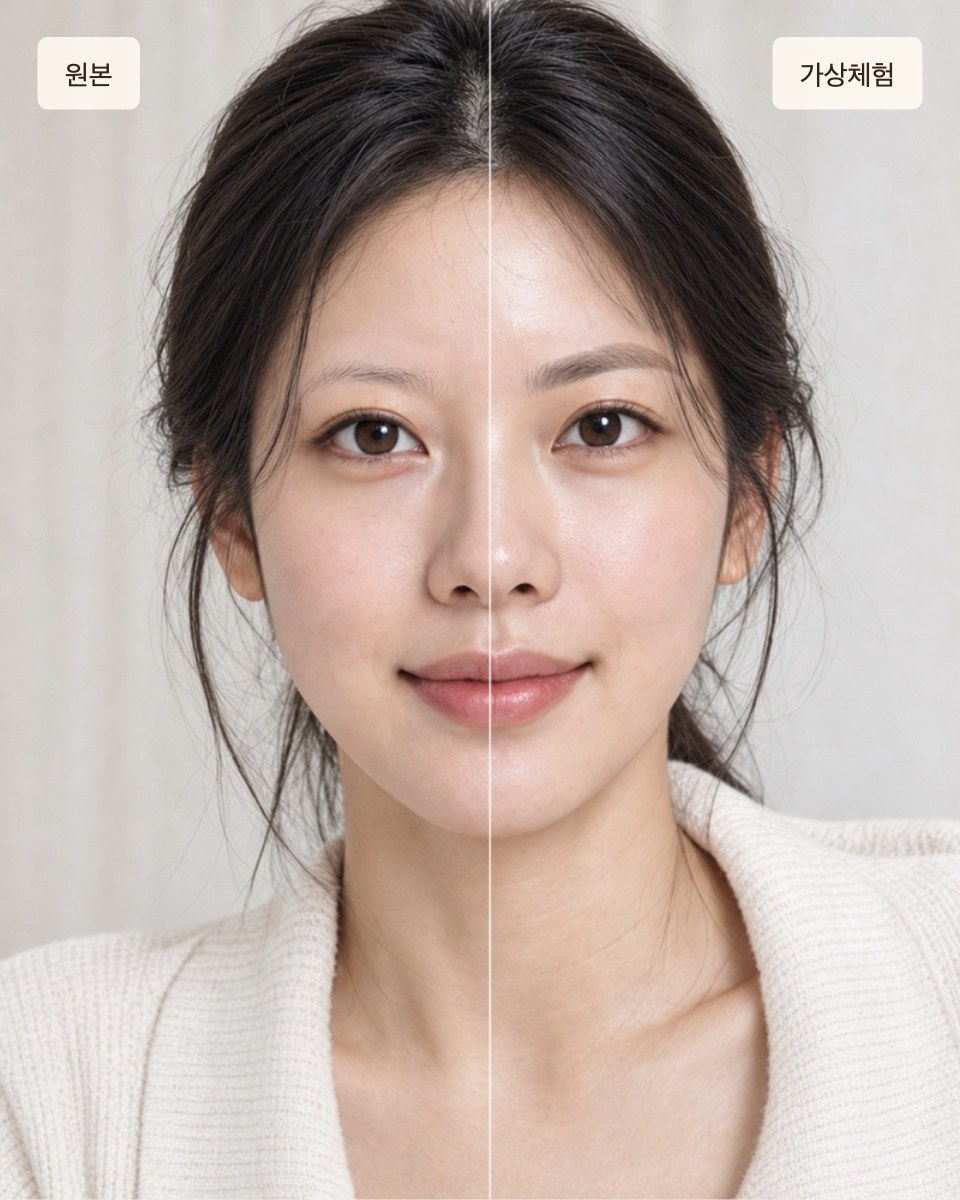
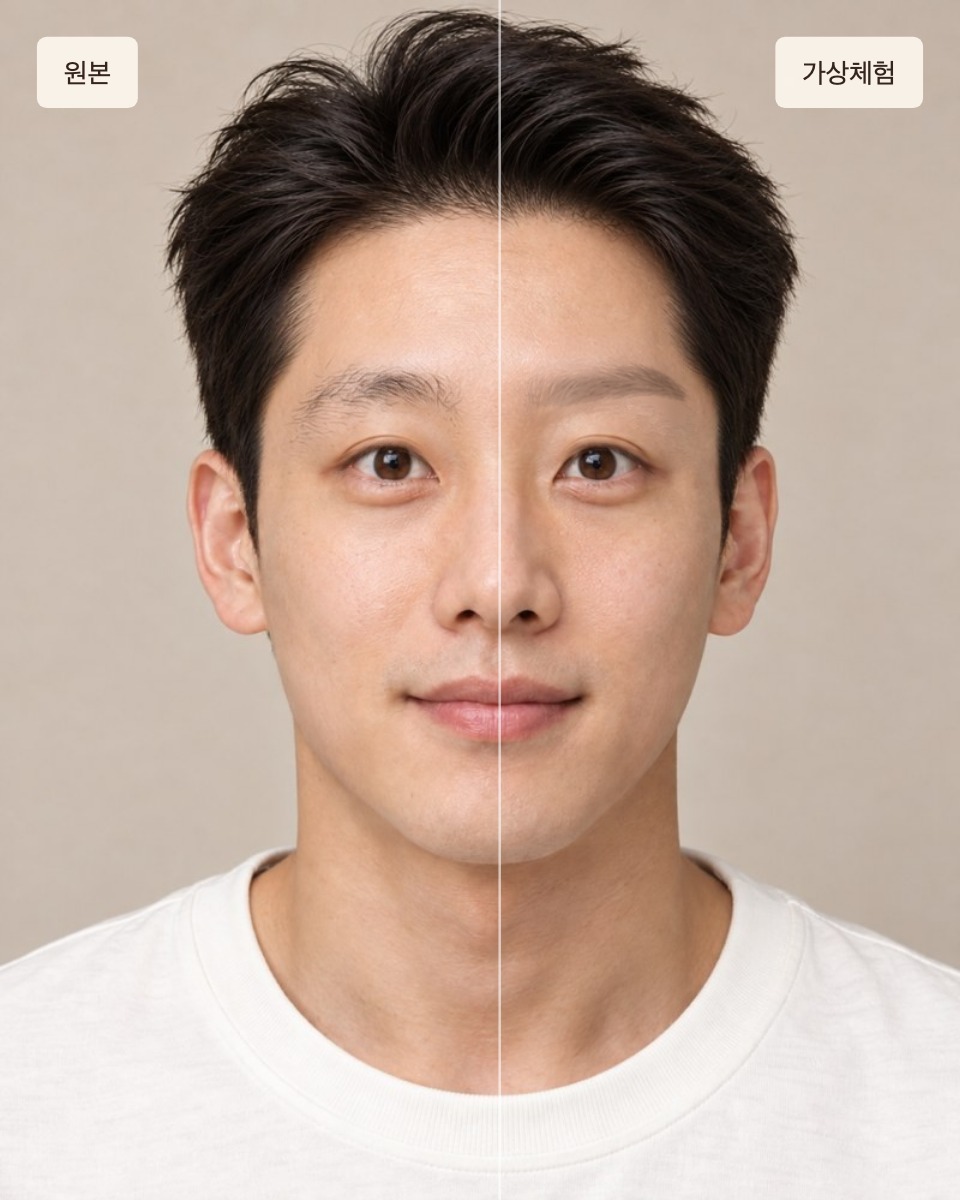
- 1Choose photo
- 2Try styles
- 3Share card
Which styles would you like?
Choose women’s or men’s brows to compare three styles.
Use a front-facing photo without eyebrow makeup
Face the camera with bare brows so the comparison looks as close to real life as possible.
Verify your contact
01 / 03Before you see your result, verify a phone number or e-mail so the artist can send you design advice.
Explore your brow shape
02 / 03Choose an eyebrow style
FIND YOUR BROWAsk the people around you
Touch and hold the card image to save it, then send it to a friend and ask.If it won’t save, take a screenshot.
Virtual eyebrow try-on · Actual treatment results may differ
Analysing your photo
Finding your face and brows. The first time can take a few seconds.
Compare eyebrow shapes on your photo
London Brow Preview lets you compare virtual eyebrow styles on your own photo. Explore three styles for women or men, then save or share a card with the original and all three looks.
How does the try-on work?
Choose a well-lit, front-facing photo without eyebrow makeup, then select women’s or men’s styles. Adjust the style and intensity, and compare it with your original photo. The comparison card shows the original and all three styles.
You can first try a fictional example model. These images are not real clients or treatment results.
Which styles can I compare?
Women’s styles are Natural Straight, Round Arch and Soft Arch. Men’s styles are Men’s Natural, Men’s Soft and Men’s Sharp. The tool lets you explore how brow shape and intensity affect the overall impression.
Will this match my treatment result?
The preview does not predict treatment results or diagnose the best design for you. Existing hair density and colour, camera angle and lighting can affect the virtual result. Glasses, fringe, heavy eyebrow makeup and side views can make detection difficult.
An actual design is discussed after looking at your existing brows, skin condition and preferences.